Steps to update Attorney Billing information
- Access the attorney’s account
- Verify 2 items of information (fax, address, email, or phone number are acceptable)
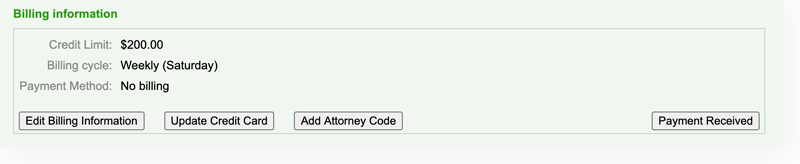
- Click “Update Credit Card” in the Billing Information section
- Enter the new credit card information
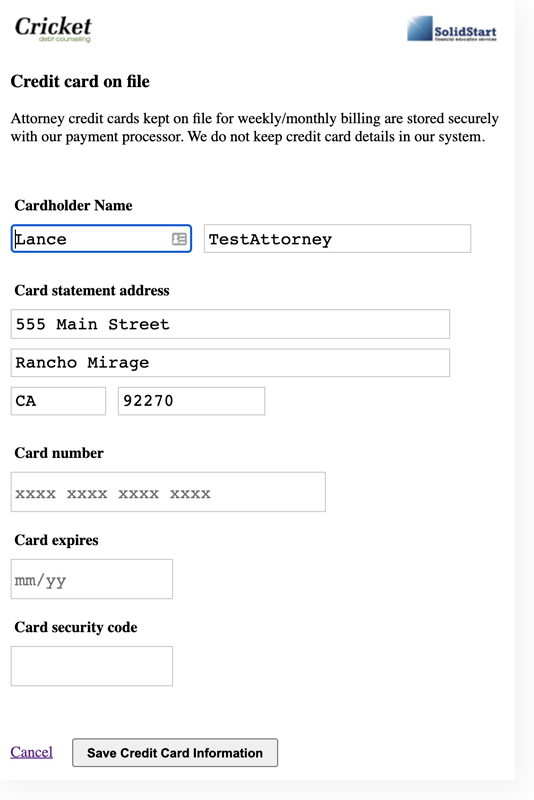
- Click “Save Credit Card Information” at the bottom of the page
- Once updated, explain to the attorney that any balance due will be included in the next billing cycle (typically the following Saturday afternoon)
- Note the account, ie: “Per Atty, updated credit card in account”