Retrieving A Username and Password
Retrieving Username and Password Online
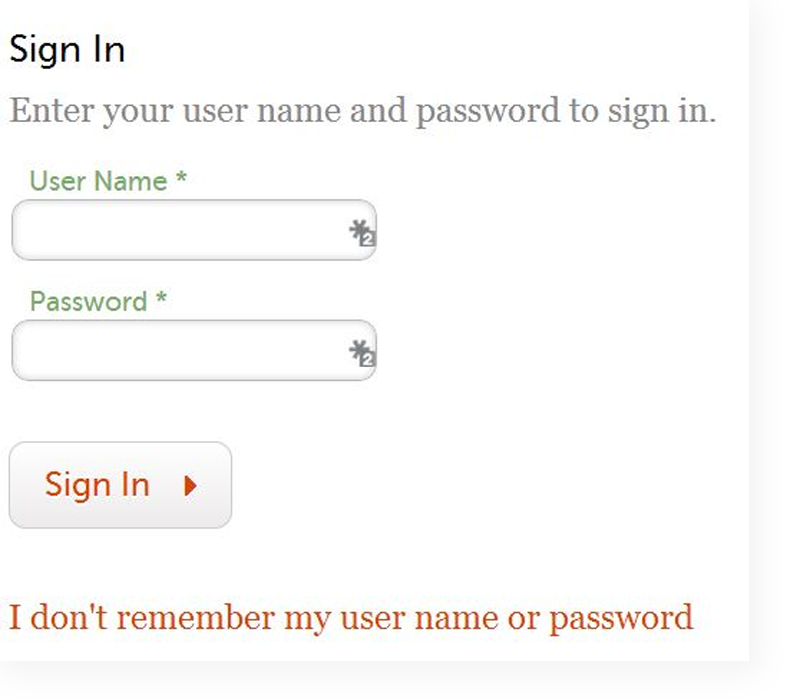
- Clients must click on the link that says “I don’t remember my username or password” just below the red Sign In button.
- The system will ask for the client’s email. The email address they enter must match the email address listed in their account.
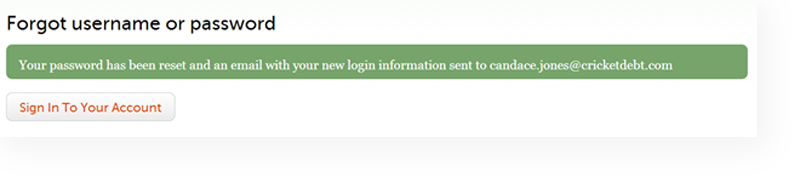
- Once a client has successfully entered the email address associated with their account, they will receive notification that their login information has been sent to their email address.
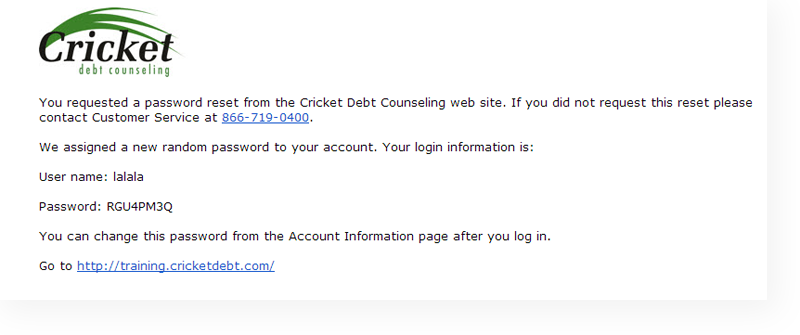
- The email will contain the client’s username and new password and login instructions.
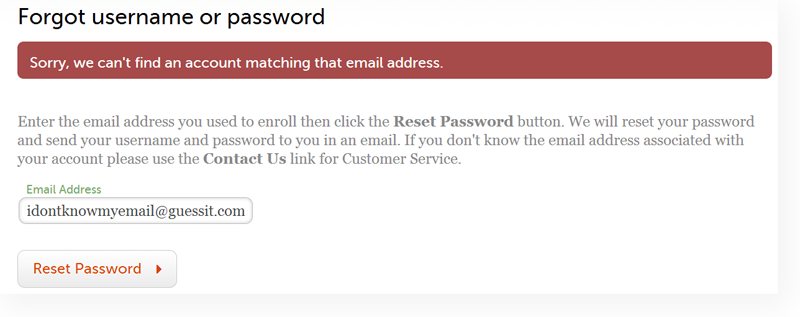
Email not found in our Database
- If an email is not found, the client will see the following message:
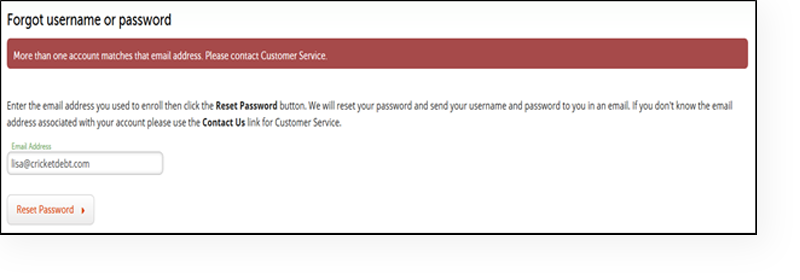
More Than One Account Matches That Email Address
- If there is more than one account in our database associated with that email, the client will see the following message:
Resetting Password by Phone
Counselors do not have access to a client’s original password.
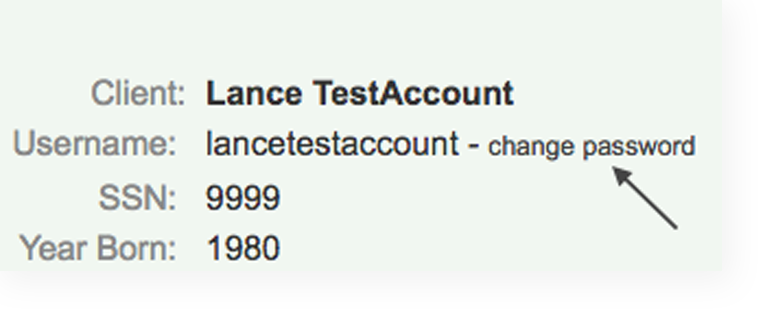
- To reset a password, select the change password option
- Provide the client with the system generated password.
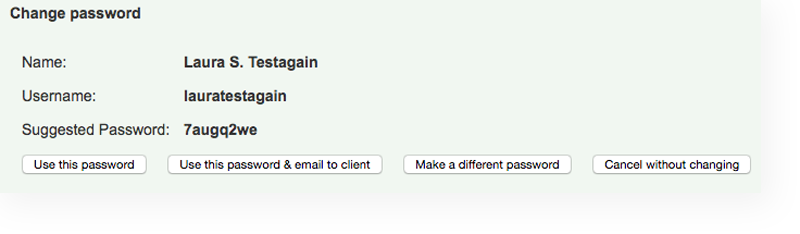
- Counselors will then have the option to:
- Use this password
- Use this password and email to the client
- Make a different password
- Cancel without changing
- Advise the client they can change their password once they have logged into their account.